


Image Optimisation for WordPress: Why Properly Sized Images and Modern Formats Matter for SEO
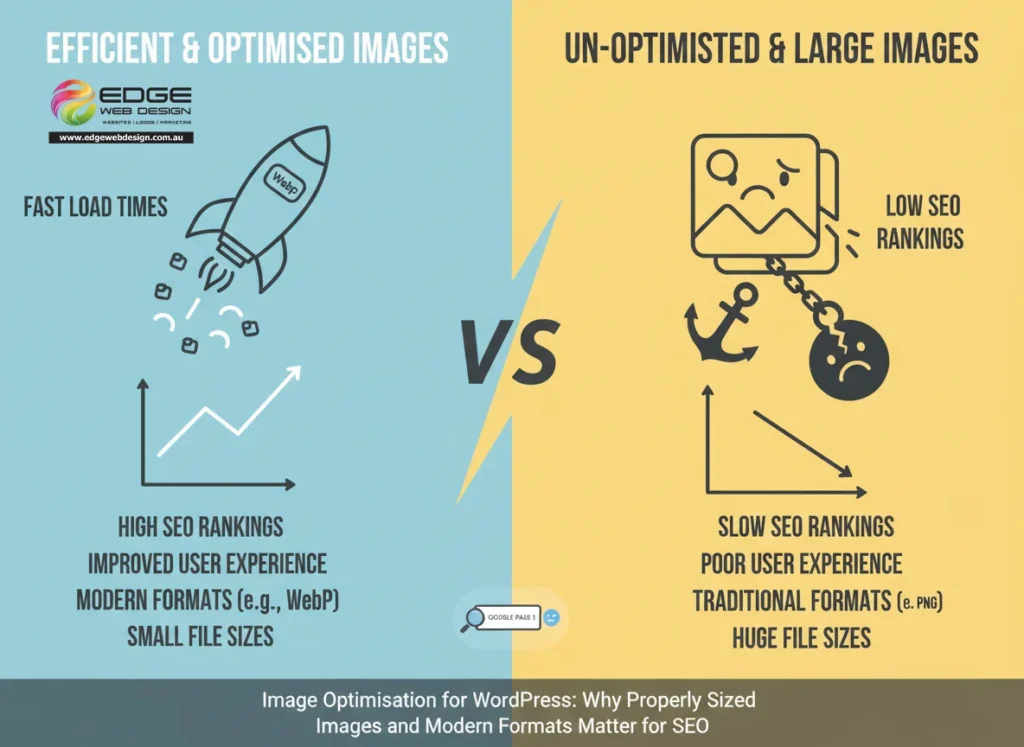
Website performance plays a major role in search engine rankings, user experience, and conversions. One of the most overlooked factors affecting WordPress website speed is image optimisation. Large, poorly sized images and inefficient image formats can dramatically slow down your website, increase bounce rates, and limit your ability to rank on page one of Google.
In this article, we explain the advantages of using properly sized and optimised images, why efficient image formats such as WebP outperform traditional formats like PNG, and how professional image optimisation contributes to faster load times and stronger SEO results. We also outline how Edge Web Design can help ensure your website images are optimised correctly as part of a complete performance and SEO strategy.
Why Image Optimisation Is Critical for WordPress Websites
Images often account for the largest portion of a web page’s file size. When images are too large, poorly compressed, or delivered in outdated formats, they place unnecessary strain on the server and significantly increase page load times.
Search engines favour fast-loading websites, and users expect them. If your WordPress website loads slowly because of unoptimised images, it can negatively affect search engine rankings, Core Web Vitals scores, user engagement, conversion rates, and mobile performance.
Image optimisation is therefore a key component of any effective WordPress SEO and website performance strategy.
What Proper Image Optimisation Really Means
Proper image optimisation involves several technical elements working together, not just reducing file size.
Effective image optimisation includes using the correct image dimensions for where the image appears on the page, compressing images without noticeable quality loss, serving images in modern and efficient formats, and ensuring images load efficiently across all devices.
When handled correctly, image optimisation improves website speed while maintaining visual quality and brand consistency.
The Advantages of Using Properly Sized Images
Faster Page Load Times
Uploading large images and relying on the browser to resize them is a common performance issue. If an image is displayed at 900 pixels wide but uploaded at 4000 pixels wide, the browser still has to download the full image file.
Using properly sized images ensures that only the required dimensions are delivered to visitors. This significantly reduces file size, speeds up load times, and improves overall WordPress performance.
Improved Core Web Vitals
Google’s Core Web Vitals measure loading performance, interactivity, and visual stability. Oversized images negatively affect metrics such as Largest Contentful Paint, which is often driven by hero images and featured visuals.
Optimised images help your WordPress website meet Core Web Vitals benchmarks, increasing your ability to rank competitively in search results.
Better Mobile Performance
Mobile users often browse on slower connections and smaller screens. Properly sized images reduce unnecessary data usage and ensure your website performs smoothly on smartphones and tablets.
With Google using mobile-first indexing, image optimisation directly supports stronger SEO outcomes.
Why Image Compression Matters
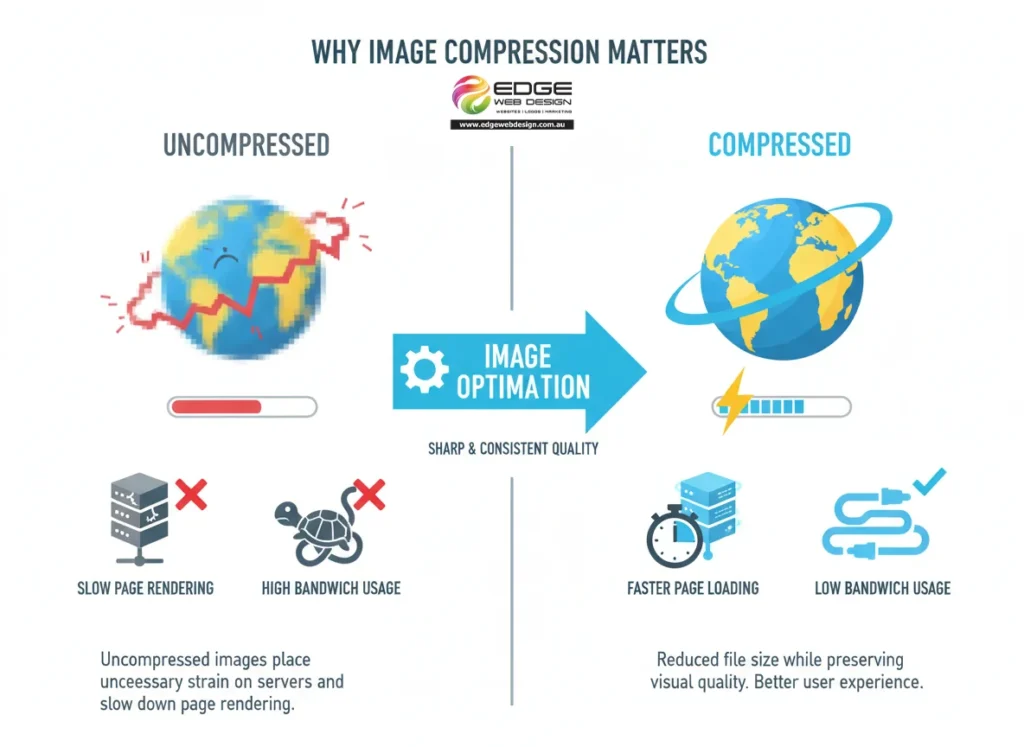
Image compression reduces file size while preserving visual quality. Uncompressed images place unnecessary strain on servers and slow down page rendering.
The benefits of image compression include reduced bandwidth usage, faster page loading, lower server resource consumption, and a better user experience. Professional image optimisation ensures compression is applied correctly so image quality remains sharp and consistent.
Efficient Image Formats: WebP vs PNG and JPEG
What Is WebP?
WebP is a modern image format designed to deliver superior compression and image quality compared to older formats such as PNG and JPEG. WebP images are significantly smaller in file size while maintaining excellent visual clarity.
Advantages of Using WebP Images
Using WebP instead of PNG or JPEG provides multiple performance and SEO benefits. These include faster image loading, improved page speed, reduced bandwidth usage, and stronger overall website performance.
In many cases, WebP images are 25 to 50 percent smaller than equivalent PNG or JPEG files, which can have a major impact on WordPress website speed.
Limitations of PNG and JPEG
PNG files are often used for transparency but can be very large. JPEG files compress better but sacrifice image quality and are less efficient than modern formats.
While PNG and JPEG still have specific use cases, relying on them exclusively can restrict your website’s performance potential. Serving images in modern formats such as WebP is now considered best practice for SEO-focused WordPress websites.
Image Optimisation and SEO Benefits
Optimised images support SEO in several important ways. Faster page load times are a confirmed Google ranking factor. Improved performance also helps search engines crawl and index your website more efficiently.
Well-optimised images contribute to lower bounce rates, higher engagement, and improved conversion rates. Image optimisation also supports visibility in image search when combined with descriptive file names and appropriate alt text.
Why Professional Image Optimisation Matters
Image optimisation is not a one-size-fits-all process. Every WordPress website has unique requirements based on its theme, layout, hosting environment, and content structure.
Poorly handled image optimisation can result in blurry images, layout shifts, compatibility issues across browsers, or reduced performance despite compression. Professional configuration ensures images are delivered efficiently without compromising quality or user experience.
How Edge Web Design Optimises Images for WordPress Websites
At Edge Web Design, image optimisation is a core part of our WordPress performance and SEO services.
We begin with a detailed image audit to identify oversized files, inefficient formats, and performance bottlenecks. Images are then resized to match their actual display dimensions and configured for optimal delivery.
Where appropriate, modern image formats such as WebP are implemented to improve load times and SEO performance. We also ensure images follow SEO best practices, including correct file naming, descriptive alt text, and logical placement within your content.
As your website grows, we provide ongoing optimisation to ensure images continue to meet performance and search engine standards. We may also use highly efficient cloud based image storage and optimisation software to detect, optimise and serve images in efficient formats.

Why Image Optimisation Is a Long-Term SEO Strategy
Image optimisation is not a one-off task. As new pages and content are added, images must continue to be handled correctly to maintain speed, rankings, and usability.
A WordPress website that consistently uses properly sized images and efficient formats performs better in search engines, scales more effectively, loads faster across all devices, and converts more visitors into customers.
Final Thoughts
If your WordPress website uses large, unoptimised images or outdated formats, you may be limiting its ability to rank on page one of search engines. Properly sized images and efficient formats such as WebP play a critical role in website speed, SEO performance, and user experience.
Edge Web Design provides professional image optimisation as part of a complete WordPress performance and SEO strategy. If you want a faster website, stronger search visibility, and a better experience for your users, professional image optimisation is an essential step towards long-term success.
